
You don’t have to feel left behind…
Technology Made Simple,
Life After 60, Made Better
Free video tutorials and step-by-step guides for your phone,
tablet, smart devices — at your own pace, in plain English.
TOPICS COVERED

Smartphones

Tablet

Laptops

Online Safety

Tech Doesn’t Have to Be Scary
Every tutorial is recorded slowly and explained clearly, with the screen zoomed in so you can see exactly where to tap. No jargon, no rushing — just clear answers to the questions you’ve been wondering about.
Meet Frank →

Step-By-Step
Clear, numbered instructions you can follow at your own pace.

Video Tutorials
Watch exactly what to click, with the cursor easy to follow.

PDF Guides
Download printable versions to keep beside your chair or computer.

No Silly Questions
A friendly space to ask anything, no matter how basic.
Learn With our Free Tutorials
Pick Where You’d Like To Start

Meet Your Guide
Hi, I’m Frank
Hi, I’m Frank — and yes, I’ve also stared at a screen wondering what on earth I’m supposed to do next. I created Simply Silver Tech because tech help for seniors shouldn’t feel like homework. My tutorials are slow, clear, and built around the questions you’ve been too embarrassed to ask.
Learn More About Me →

Our Promise to You
Every Tutorial Follows These Rules
From the Channel
Latest Videos
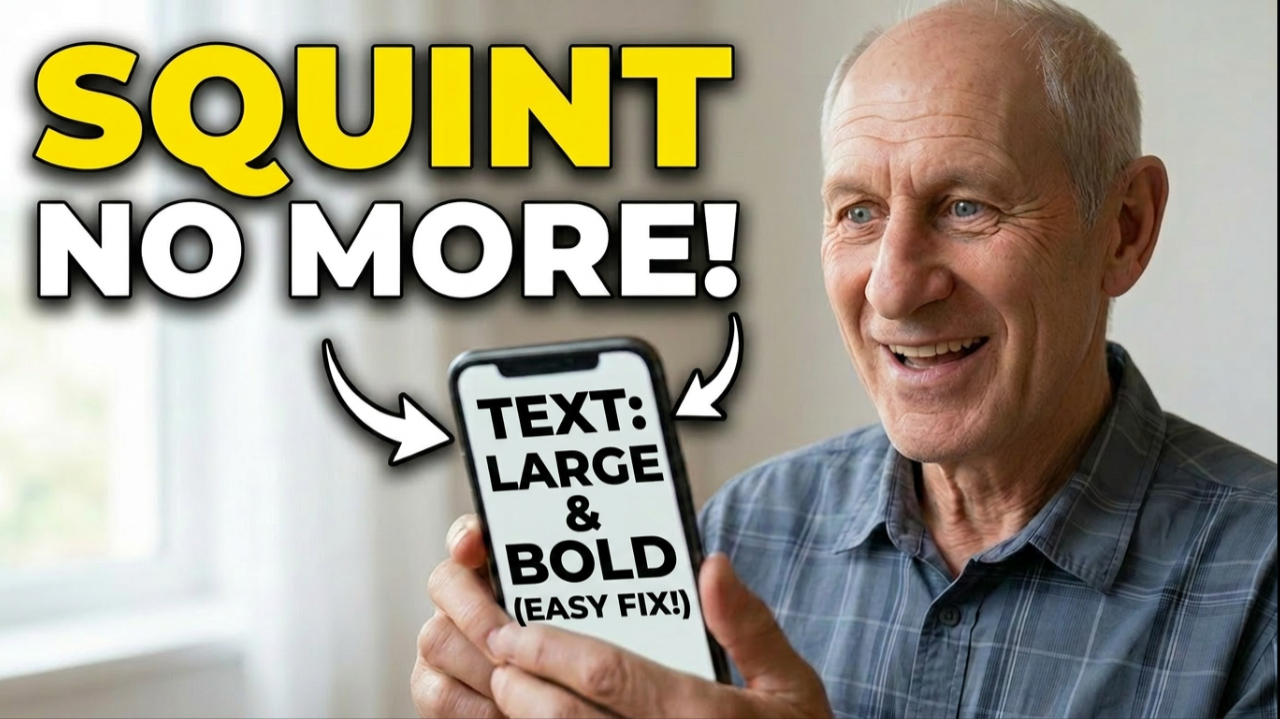
Smartphones
iPhone and Android Text Too Tiny? Seniors Do This Now!
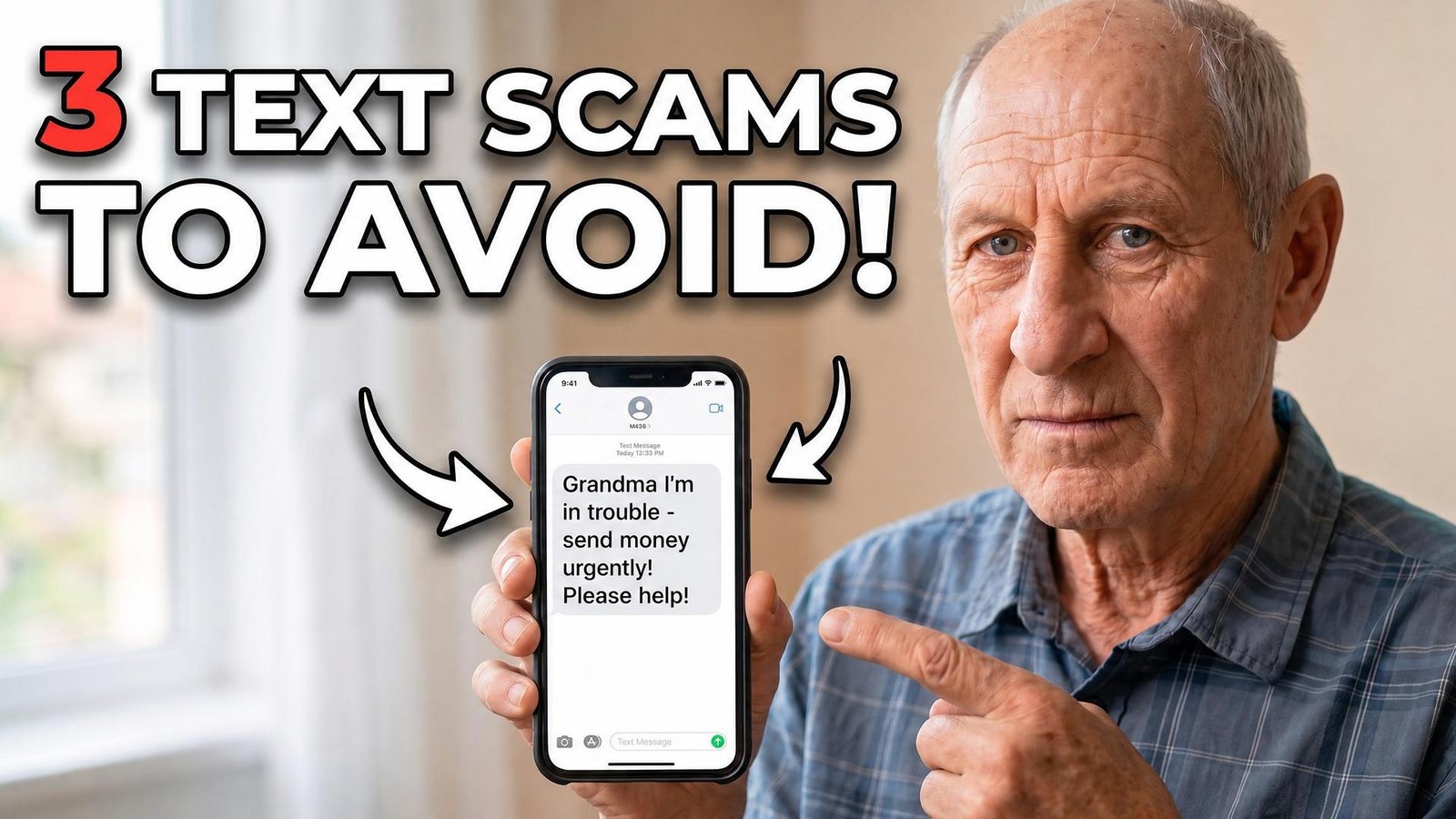
smartphones
Don’t Fall for these scams! Advice From A Retired Navy Officer.